
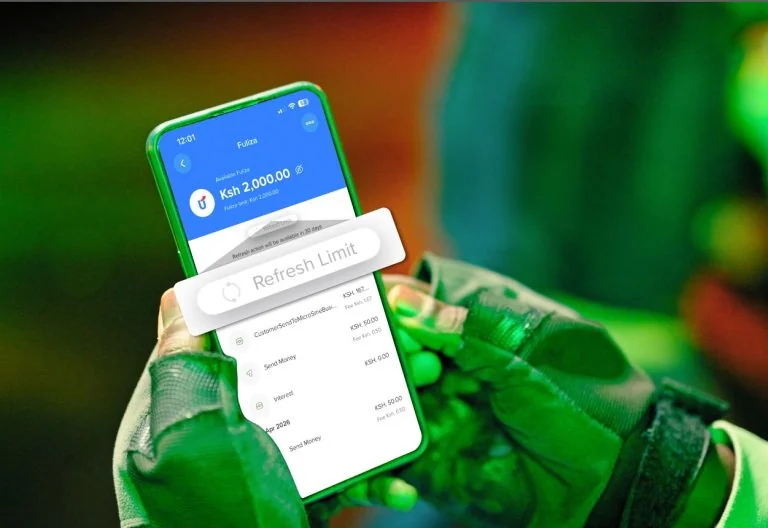
Safaricom has highlighted troubleshooting measures customers can take when its My OneApp application becomes unresponsive, freezes or experiences delays while accessing services.
The platform brings together several Safaricom services, including M-PESA transactions, airtime and data bundle purchases, account management and customer support.
However, some users have continued to experience technical challenges, including login difficulties, repeated logouts and problems accessing certain features.
Customers experiencing difficulties have previously turned to Safaricom’s customer care platforms for assistance, prompting the telecommunications company to provide guidance on resolving common application problems.
Clear Cache and App Data
One of the troubleshooting measures Safaricom has previously recommended involves clearing the application’s cache and stored data.
In response to a customer who reported difficulties logging into My OneApp, the company advised Android users to navigate to their phone settings and follow these steps:
- Open Settings on your phone.
- Select Apps.
- Find and open My OneApp.
- Go to Storage.
- Select Clear Cache and Clear Data.
- Reopen the application and attempt to log in again.
Clearing the cache removes temporary files that may interfere with the application’s performance.
Clearing app data, however, resets locally stored information and may require customers to log in again or complete some setup procedures.
Users should therefore ensure they can access their registered account and verification details before clearing app data.
Restart Your Phone and Check Connectivity
Restarting a mobile phone can also help resolve temporary software problems affecting applications.
Customers experiencing delays should ensure their internet connection is stable before attempting to access the platform again.
Safaricom has previously explained that My OneApp uses SIM-based identity verification, meaning some customers, particularly those accessing the service while roaming, may encounter additional login prompts when using Wi-Fi.
Safaricom’s App Has Faced Customer Complaints
My OneApp was introduced in April 2026 to bring several Safaricom services together under one digital platform.
The transition attracted complaints from customers who experienced login failures, repeated logouts and difficulties accessing some services.
Safaricom subsequently apologised for the poor customer experience, saying it had taken customer feedback into account and was working to improve the application.
The company has continued rolling out improvements as it seeks to make the platform more reliable and convenient for its customers.